

Prerequisites
- Content type of
text/htmlorapplication/xhtml+xml, and not served as a download withContent-Disposition: attachment. - The tag is present in the server-rendered markup. Discord does not execute code, so a tag injected by a client-side script is never seen.
- Discord’s crawler can reach the page. Pages are fetched with the user agent
Mozilla/5.0 (compatible; Discordbot/2.0; +https://discordapp.com), and linked JSON withDiscordbot/2.0. - The whole fetch, including every image in the payload, must finish within 10 seconds.
- Open Graph tags are present, so a standard preview is available when a component embed can’t be shown. See Link Previews for the tags Discord reads.
Adding the Payload
There are two ways to expose the JSON. You can include the JSON directly in the page with a<script> element, or as an external file with a <link> element. Set the type attribute on either element to application/json or application/vnd.discord.component-embed+json. For both options, there is a 3,000-byte limit. Escape sequences like \u003c also count toward it at their full length.
Option 1: Inline Script
Put a<script id="discord:component-embed" type="application/json"> in the page Discord fetches, inside the <head> element.
Option 2: Linked JSON
Serve the JSON from a URL on the same site and point at it with a<link rel="discord:component-embed" type="application/json"> element. The href must be an absolute URL on the page’s host, a subdomain of it, or its parent domain. For example, a page on example.com can link to JSON on cdn.example.com, or the other way around. The JSON can be served with any Content-Type, or none.
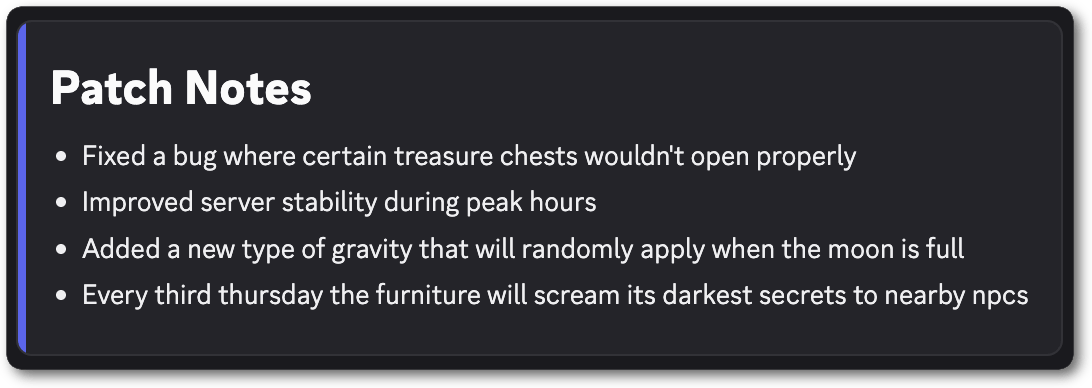
Payload Structure
The document, inline or linked, must be a JSON object with a single, parent Container component. No other component can exist at the top level with the container.Compatible Components
A component embed can contain up to 40 components, including the parent Container component.
* A button must use the link style (
style of 5) and may contain id, type, url, style, label, emoji, and disabled, with a label, an emoji, or both. Any other key invalidates the entire payload.
** Text Display content uses Discord markdown. See Message Formatting.
*** Media Gallery items are capped at 10 across the entire embed, not per component. Thumbnails don’t count toward this limit.
**** The Container component must be the only top-level component in a component embed. A Container cannot contain another Container component.
Media
Thumbnails and gallery items take an unfurled media item. Discord fills in the width, height, content type, placeholder, and proxy URL after it fetches the asset. A video in a Media Gallery shows a preview frame with play controls but does not autoplay. The URL must usehttp or https and be a max of 2,048 characters in length. Valid file formats for video include .mp4, .webm, and .mov. Valid file formats for images include .png, .gif, .jpg, .jpeg, .webp, and .avif.
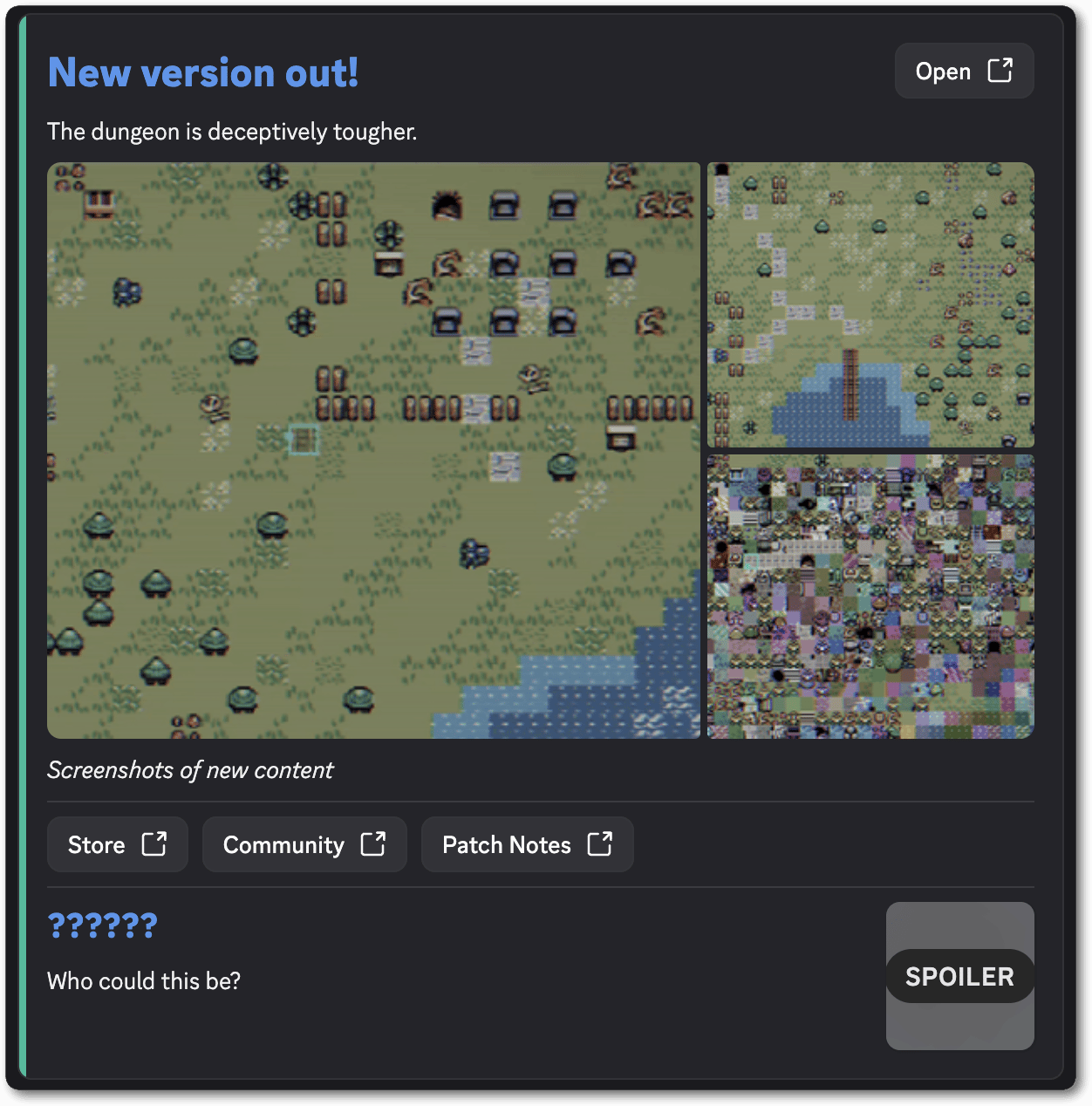
Full Example
Open Graph Fallback
Add these tags alongside the component-embed payload as a fallback whenever a component embed unfurl fails.Use the Embed Debugger to diagnose issues with your embed if it fails to render.