> ## Documentation Index
> Fetch the complete documentation index at: https://docs.discord.com/llms.txt
> Use this file to discover all available pages before exploring further.
# Components & Modals
> Add interactive buttons, menus, layout elements, and modal dialogs to your Discord app.
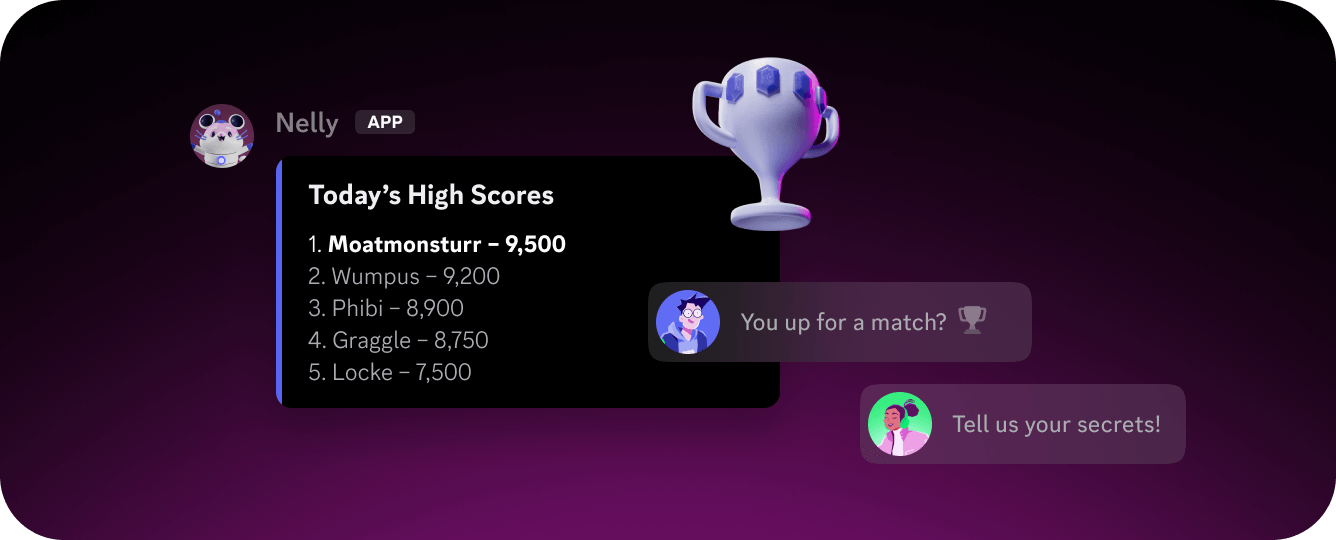 Discord's component system lets your app build rich, interactive UI directly inside the Discord client, with no custom frontend needed.
## Message Components
Message Components are interactive and layout elements attached to messages your app sends. Discord supports three categories:
* **Layout components** for organizing content
* **Content components** for displaying text and media
* **Interactive components** like buttons, select menus, and text inputs that users can act on
Components are sent as structured data alongside your message and rendered natively in the Discord client.
## Modals
Modals are form-like overlays that your app can present to users in response to an interaction, such as a button click, slash command, or select menu selection. They collect freeform input through text fields and are a natural fit for multi-field data entry, confirmations, bug reports, or any configuration flow that needs more than a single tap to complete.
Unlike message components, modals aren't attached to a message. They're sent as an interaction response and appear as a focused overlay in the client. The user fills in the fields and submits, which triggers a new interaction your app can handle.
## Further Reading
Full guide to available component types and how components are sent in messages.
A guide on sending Message Components with code examples.
A guide on building and displaying Modal Components with code examples.
Discord's component system lets your app build rich, interactive UI directly inside the Discord client, with no custom frontend needed.
## Message Components
Message Components are interactive and layout elements attached to messages your app sends. Discord supports three categories:
* **Layout components** for organizing content
* **Content components** for displaying text and media
* **Interactive components** like buttons, select menus, and text inputs that users can act on
Components are sent as structured data alongside your message and rendered natively in the Discord client.
## Modals
Modals are form-like overlays that your app can present to users in response to an interaction, such as a button click, slash command, or select menu selection. They collect freeform input through text fields and are a natural fit for multi-field data entry, confirmations, bug reports, or any configuration flow that needs more than a single tap to complete.
Unlike message components, modals aren't attached to a message. They're sent as an interaction response and appear as a focused overlay in the client. The user fills in the fields and submits, which triggers a new interaction your app can handle.
## Further Reading
Full guide to available component types and how components are sent in messages.
A guide on sending Message Components with code examples.
A guide on building and displaying Modal Components with code examples.