> ## Documentation Index
> Fetch the complete documentation index at: https://docs.discord.com/llms.txt
> Use this file to discover all available pages before exploring further.
# Discord Bots & Companion Apps
> Start building bots and companion apps for Discord.
export const RobotIcon = props => ;
export const WrenchIcon = props => ;
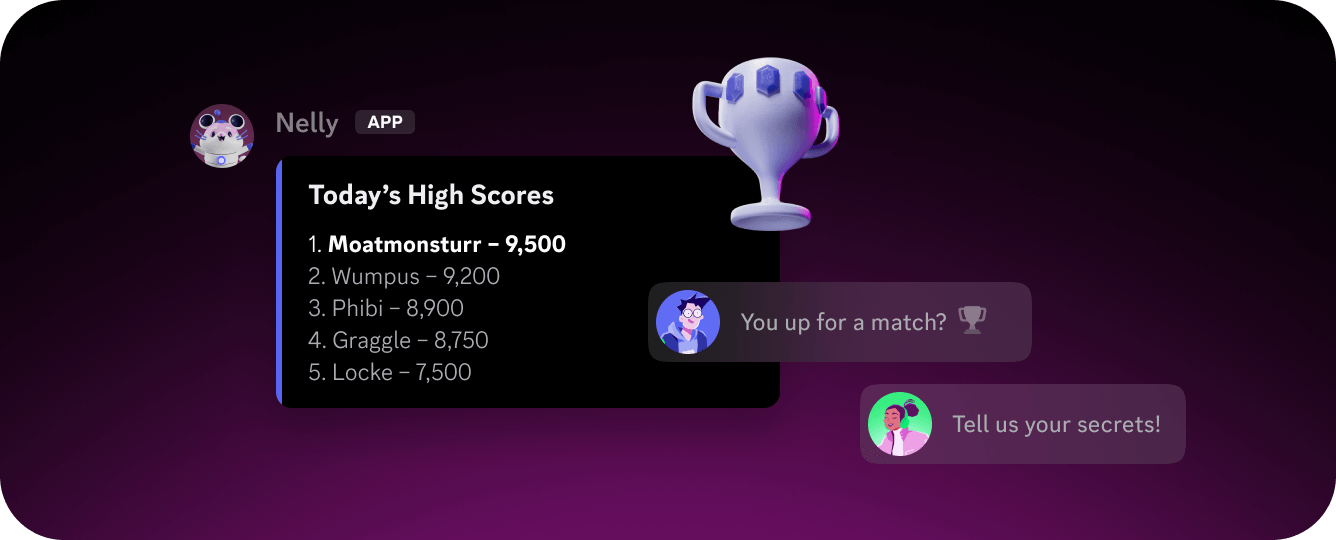
Bots are applications that connect to Discord using the Discord API. They appear in servers as users with an `APP` tag and can interact with members, respond to events, and perform actions programmatically. For a deeper look at what bots can do and when to use one, see the [Bots & Companion Apps](/developers/platform/bots) platform page.
## Getting Started
To build a bot, you'll need to:
* **Create an application** in the Discord Developer Portal. This is where your bot token, OAuth2 credentials, and configuration live.
* **Add a bot user** to your application from the Bot tab. This generates the token your code uses to authenticate.
* **Invite the bot** to a server using an OAuth2 URL with the bot scope and the permissions your bot requires.
* **Connect to the API** using the Gateway for real-time events, the HTTP API for REST operations, or both.
Most developers use a community-maintained library in their language of choice rather than interfacing with the API directly. Official and community libraries are listed in the [Community Resources](/developers/developer-tools/community-resources) page.
If you're ready to dive in, the [Getting Started guide](/developers/quick-start/getting-started) walks through building and running your first bot end to end.
## Building Your Bot
* **[Interactions](/developers/interactions/overview)** — Slash commands, context menu commands, buttons, select menus, and modals that let users interact with your bot.
* **[Components](/developers/components/overview)** — Layout, content, and interactive UI elements you can attach to messages and modals.
* **[Monetization](/developers/monetization/overview)** — Add subscriptions and one-time purchases to your bot using Discord's built-in payment flow.
* **[Discovery](/developers/discovery/overview)** — Get your app listed in the App Directory and App Launcher so users can find and install it.
* **[Guides & Tutorials](/developers/guides/bots)** — Practical guides on implementing common bot features and best practices.
}>
Step-by-step guide to building and running your first Discord bot.
}>
Explore guides on implementing common bot features and best practices.
 Bots are applications that connect to Discord using the Discord API. They appear in servers as users with an `APP` tag and can interact with members, respond to events, and perform actions programmatically. For a deeper look at what bots can do and when to use one, see the [Bots & Companion Apps](/developers/platform/bots) platform page.
## Getting Started
To build a bot, you'll need to:
* **Create an application** in the Discord Developer Portal. This is where your bot token, OAuth2 credentials, and configuration live.
* **Add a bot user** to your application from the Bot tab. This generates the token your code uses to authenticate.
* **Invite the bot** to a server using an OAuth2 URL with the bot scope and the permissions your bot requires.
* **Connect to the API** using the Gateway for real-time events, the HTTP API for REST operations, or both.
Most developers use a community-maintained library in their language of choice rather than interfacing with the API directly. Official and community libraries are listed in the [Community Resources](/developers/developer-tools/community-resources) page.
If you're ready to dive in, the [Getting Started guide](/developers/quick-start/getting-started) walks through building and running your first bot end to end.
## Building Your Bot
* **[Interactions](/developers/interactions/overview)** — Slash commands, context menu commands, buttons, select menus, and modals that let users interact with your bot.
* **[Components](/developers/components/overview)** — Layout, content, and interactive UI elements you can attach to messages and modals.
* **[Monetization](/developers/monetization/overview)** — Add subscriptions and one-time purchases to your bot using Discord's built-in payment flow.
* **[Discovery](/developers/discovery/overview)** — Get your app listed in the App Directory and App Launcher so users can find and install it.
* **[Guides & Tutorials](/developers/guides/bots)** — Practical guides on implementing common bot features and best practices.
Bots are applications that connect to Discord using the Discord API. They appear in servers as users with an `APP` tag and can interact with members, respond to events, and perform actions programmatically. For a deeper look at what bots can do and when to use one, see the [Bots & Companion Apps](/developers/platform/bots) platform page.
## Getting Started
To build a bot, you'll need to:
* **Create an application** in the Discord Developer Portal. This is where your bot token, OAuth2 credentials, and configuration live.
* **Add a bot user** to your application from the Bot tab. This generates the token your code uses to authenticate.
* **Invite the bot** to a server using an OAuth2 URL with the bot scope and the permissions your bot requires.
* **Connect to the API** using the Gateway for real-time events, the HTTP API for REST operations, or both.
Most developers use a community-maintained library in their language of choice rather than interfacing with the API directly. Official and community libraries are listed in the [Community Resources](/developers/developer-tools/community-resources) page.
If you're ready to dive in, the [Getting Started guide](/developers/quick-start/getting-started) walks through building and running your first bot end to end.
## Building Your Bot
* **[Interactions](/developers/interactions/overview)** — Slash commands, context menu commands, buttons, select menus, and modals that let users interact with your bot.
* **[Components](/developers/components/overview)** — Layout, content, and interactive UI elements you can attach to messages and modals.
* **[Monetization](/developers/monetization/overview)** — Add subscriptions and one-time purchases to your bot using Discord's built-in payment flow.
* **[Discovery](/developers/discovery/overview)** — Get your app listed in the App Directory and App Launcher so users can find and install it.
* **[Guides & Tutorials](/developers/guides/bots)** — Practical guides on implementing common bot features and best practices.